Quick Summary
- YouTube's title field allows up to 100 characters, but a title can be shortened visually before reaching that limit.
- There is no fixed display length that applies across every device, font, surface and layout.
- Put the topic and useful promise near the beginning so the title still makes sense if the ending is hidden.
- Keep the title concise because every phrase should clarify the video, not because a particular character count guarantees ranking.
- Preview your wording on mobile and check the full title for accuracy before publishing.
YouTube allows titles of up to 100 characters, but the visible portion may be shorter on mobile, Search, Home or Suggested surfaces. There is no single “ideal length” that guarantees clicks. Put the topic and key promise early, remove filler, and preview the result on the surfaces your viewers are likely to use.
What is the YouTube title character limit?
The practical hard limit is 100 characters. YouTube's video settings help page confirms that limit. DataForSEO's India keyword results returned 90 monthly searches for “youtube title character limit” in its latest available snapshot, with LOW paid-search competition. That is an estimate for a specific phrase, not a complete measure of demand for every way people ask about title length.
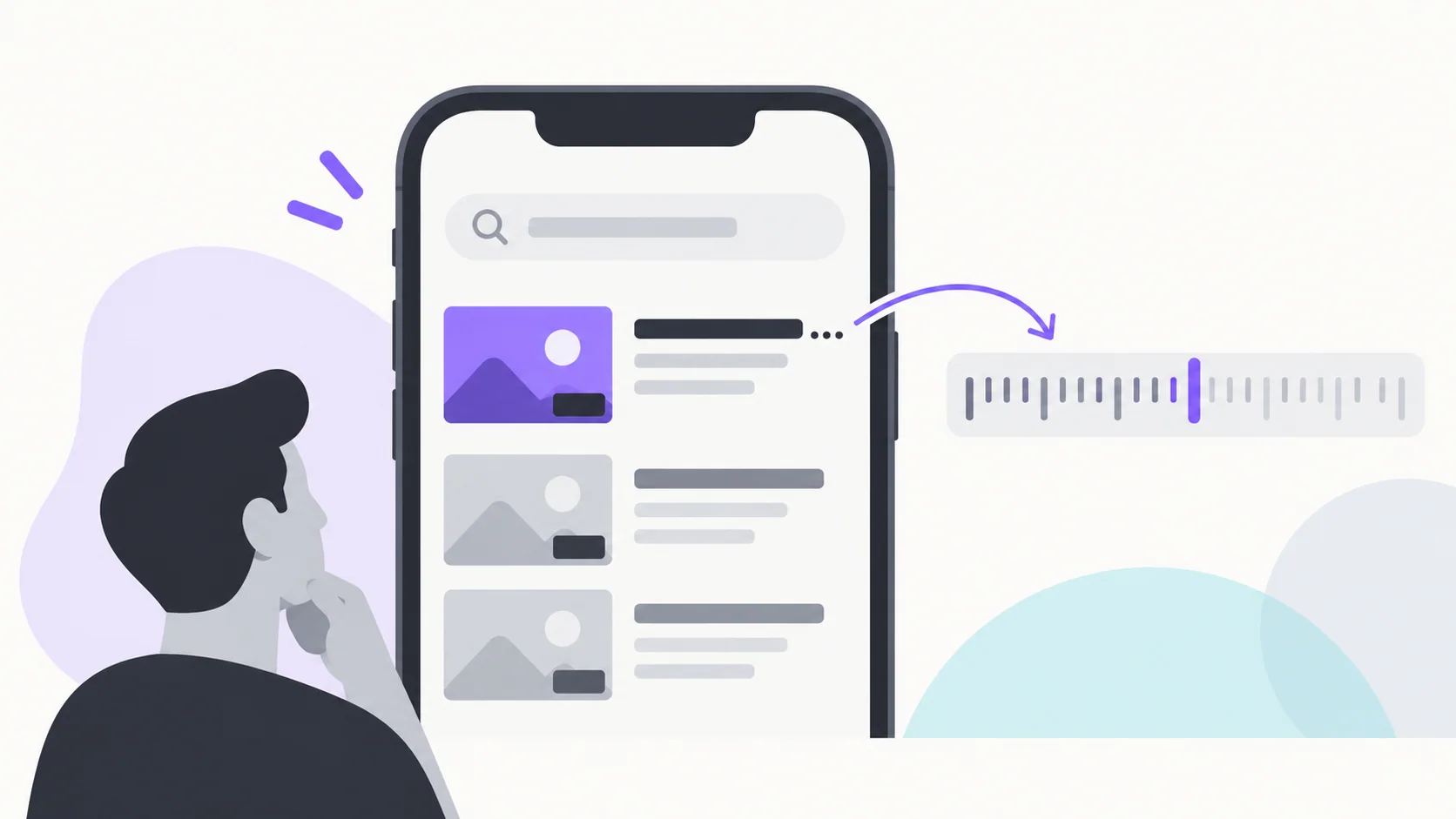
A platform limit is different from a display recommendation. YouTube can truncate a title visually depending on layout and screen width. Third-party SERP explanations often suggest fixed “optimal” ranges, but the sampled results did not establish one official universal display cutoff. Treat character counts as a preview aid, not a ranking formula.
How to write a YouTube title that survives mobile truncation
Lead with the core subject, then the viewer's problem, outcome or differentiating detail. Remove repeated context, unnecessary episode labels and generic adjectives. If the viewer needs the model name, recipe or location to recognize the topic, do not bury it after a long hook.
Compare these illustrative drafts:
| Draft | What may be hidden | Clearer direction |
|---|---|---|
| “I Tried This New Thing and You Won't Believe What Happened” | The actual topic and result | Name the experiment and what the viewer learns |
| “Phone Storage Full? Free Space Without Deleting Photos” | The action may be hidden on narrow layouts | Put the storage problem and safe outcome first |
| “Episode 14: My Review of the New Budget Phone From...” | The device and review angle arrive late | Lead with the model and the specific review finding |
These are writing examples, not measured CTR winners. The YouTube title and thumbnail guide can help keep the visible words aligned with the image.
How to check YouTube title length
Count characters, then preview the wording on a narrow screen. Check the public watch page and the relevant YouTube Studio preview where available. A character counter can catch the 100-character cap, but it cannot tell whether a title is clear, truthful, readable or compelling.
Phrases such as “YouTube title checker,” “title length checker” and “video title character limit” describe related reader needs. Use them only where they clarify the task, not as a reason to repeat variants unnaturally. When testing title wording, change it with a clear hypothesis and follow the YouTube title-testing guide.
Does a shorter YouTube title rank better?
No fixed shorter-title rule is supported by these sources. Search relevance and viewer response matter, and a short title that omits the topic may be less helpful than a longer, specific one. Make every word earn its place. If a title is too long, shorten it by removing filler or moving useful context forward, not by cutting a necessary qualifier.
Frequently asked questions
Is there a character limit on YouTube titles?
Yes. YouTube's title field accepts up to 100 characters. The visible title can still be shortened in some surfaces.
How long can you make a YouTube title?
The field limit is 100 characters. Use fewer when that communicates the video more clearly, but do not assume a fixed number guarantees visibility or ranking.
What is the ideal YouTube title length?
There is no verified universal ideal. Prioritize clarity, an accurate promise and the important words near the beginning. Preview it on mobile and compare with your own audience data.
Your next step
Write the title in plain language, move the key subject forward and check the count and preview. For more title structures, use the YouTube title formula guide, then remove any words that do not help a viewer understand the video.
Sources: YouTube edit video settings and 100-character title limit, YouTube title and thumbnail tips, YouTube Help: A/B testing titles and thumbnails
Write your next script in 60 seconds.
Scriptio writes a full Tanglish script in your exact voice, built from your own channel.
Explore the Tamil AI script writer or the Tanglish script generator for a more detailed walkthrough.
Start Free at Scriptio.in