Quick Summary
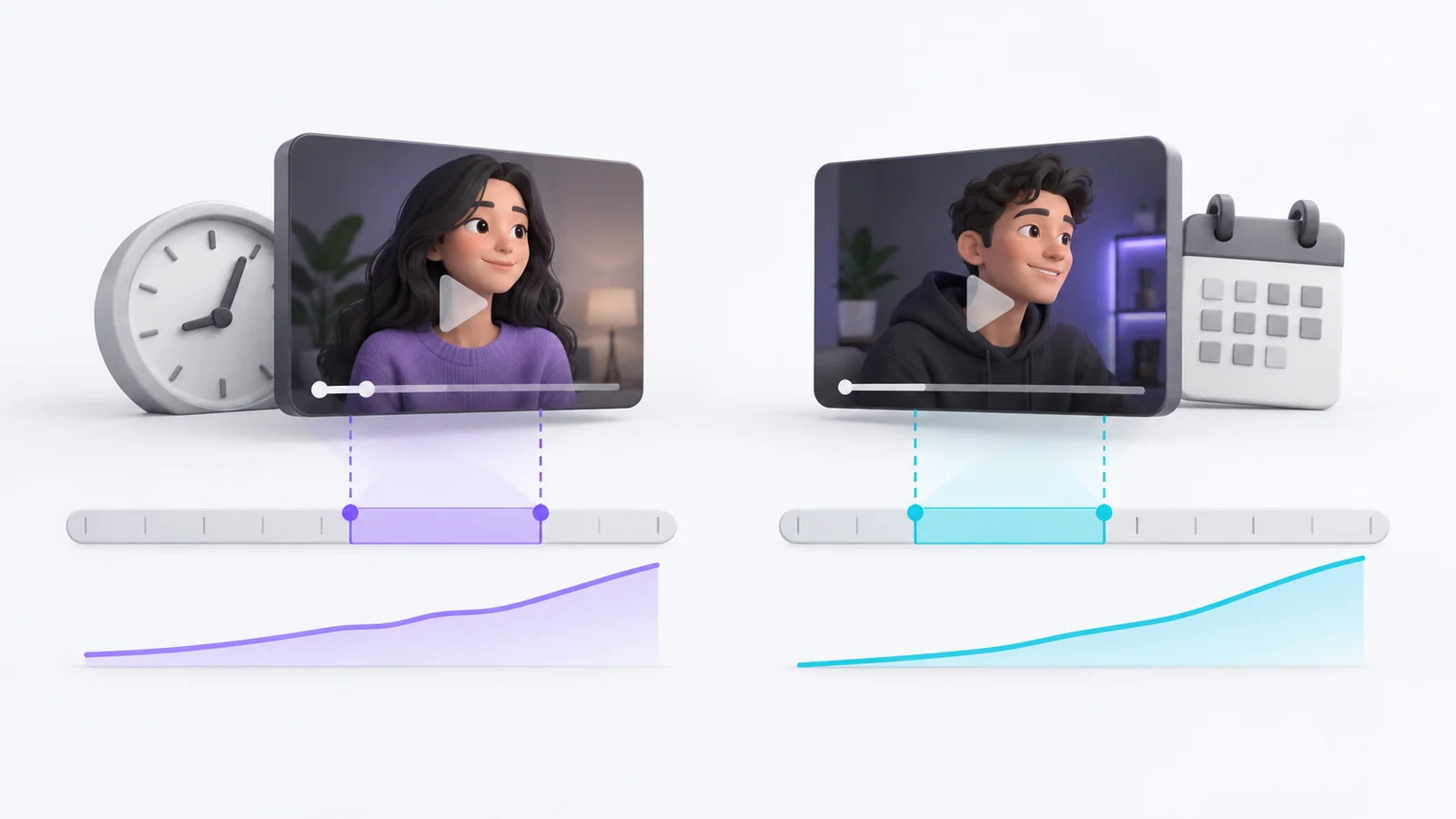
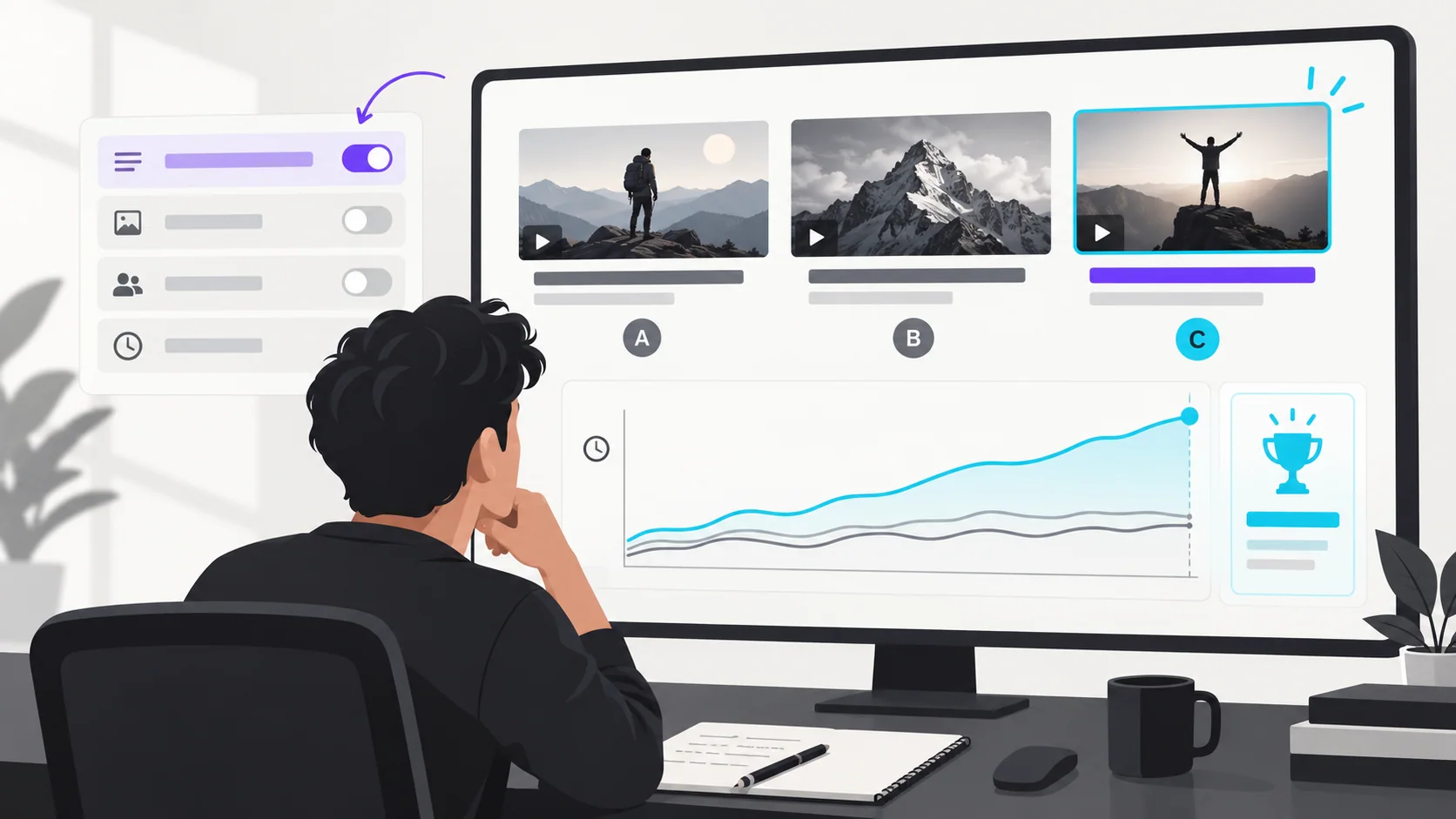
- YouTube Studio can test up to three titles, thumbnails, or title-and-thumbnail combinations on eligible videos.
- To learn about titles, choose title-only testing; changing title and thumbnail together tests the package, not the title by itself.
- YouTube's native test evaluates watch time, not a simple CTR winner.
- Give the experiment time to finish and avoid changing the title or thumbnail during the test, which stops it.
- When native testing is unavailable, document a sequential edit as an observation, not a controlled A/B test.
A clean YouTube title test changes only the title while keeping the thumbnail, video and test conditions consistent. If you want to learn whether the whole package works better, test title and thumbnail combinations instead. YouTube's native tool supports up to three options for eligible videos and selects based on watch time, so do not call a small CTR fluctuation the winner.
What YouTube title A/B testing actually tests
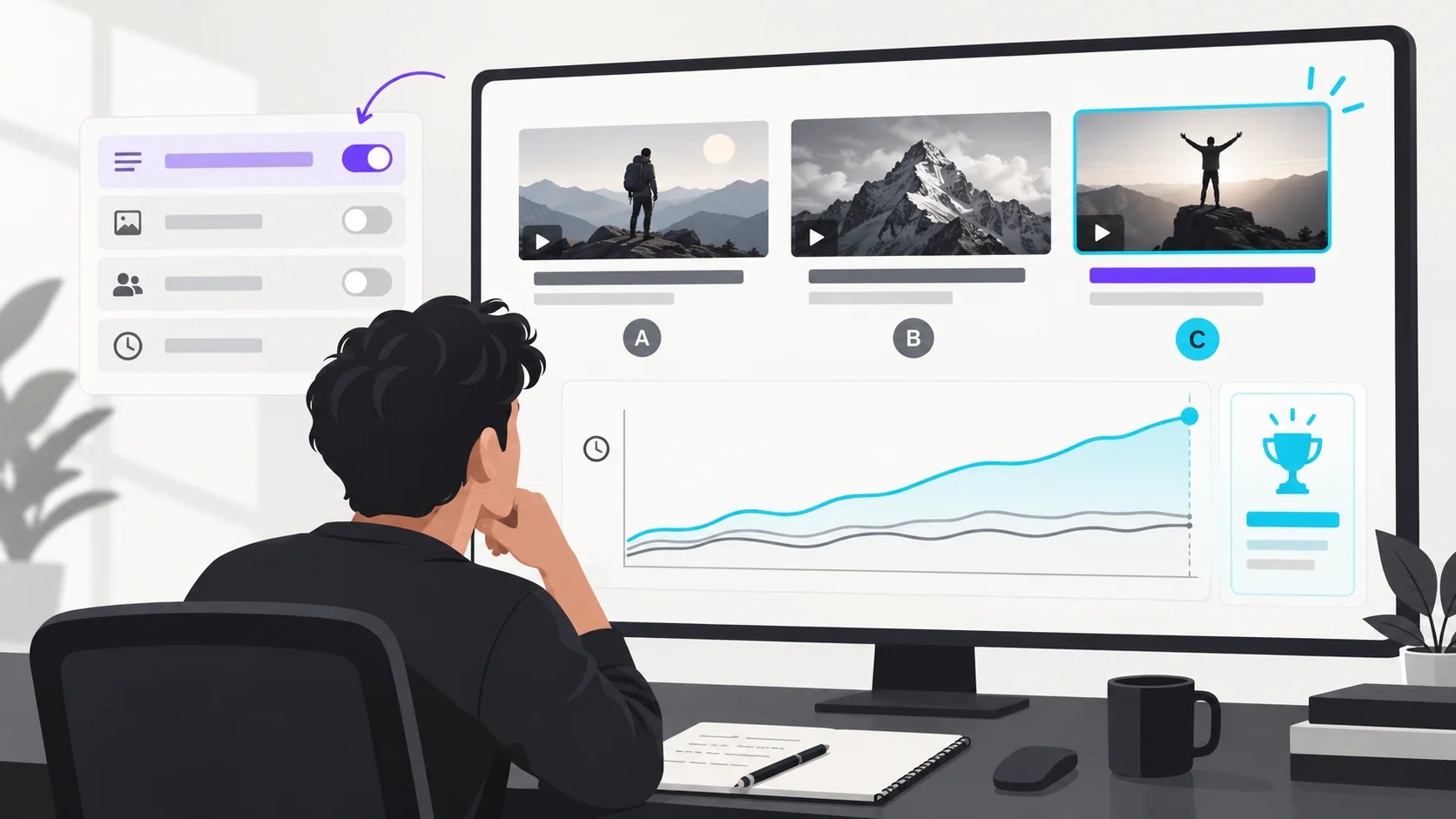
YouTube Studio's title and thumbnail testing lets eligible creators compare up to three versions. You can choose title only, thumbnail only, or both together. The test is available through Studio on desktop for eligible long-form videos; Shorts, scheduled lives and Premieres are not eligible while the test feature documentation remains current. Eligibility and interface details can change, so confirm the option in your own Studio.
At the end, YouTube chooses the option with the highest watch time. This is important: the outcome is not simply the title with the highest click-through rate. The test can take a few days or up to two weeks, and a running test stops if you manually change a title or thumbnail.
How to run a clean test
- Choose a useful video. YouTube recommends starting with older videos to reduce the impact on a channel's overall views. Choose a video with a clear audience and enough traffic for the test to collect useful observations.
- Write one hypothesis. For example: “Naming the phone model first may help viewers looking for this review understand the topic sooner.” This explains what differs and why.
- Create distinct, accurate options. Keep the factual promise the same while varying the framing. Avoid three near-identical titles because YouTube says similar options can take longer to distinguish.
- Select the right test type. Use title-only if the question is about title wording. If you choose title and thumbnail combinations, interpret the outcome as a package result.
- Start the test and let it run. Do not manually edit the title or thumbnail during the experiment. Review its status in video Analytics under the Reach tab.
- Record the result and limitation. Save the options, dates, video age and YouTube's result. Apply the insight cautiously to similar videos rather than assuming every topic will respond the same way.
The title and thumbnail strategy guide helps separate the information each element carries. If you need varied but truthful options, start with the YouTube title formulas guide.
What if YouTube's title test is not available?
Use your channel's audience research and title checklist to choose the clearest version. If you manually replace a title and compare before-and-after analytics, label the result as an observational comparison. The audience, impressions and traffic sources can change over time, so it cannot isolate the wording's effect.
A tracker should record the video, original title, alternative, what changed, dates, impressions, traffic sources, CTR, watch time or average view duration, and the decision. Do not mix multiple edits or claim a causal result from a single video. A dedicated tracker is planned for a later day in this publishing queue; until it is ready, record these fields in your own spreadsheet or notes.
Frequently asked questions
Can I test YouTube titles?
Yes, if your channel and video are eligible for YouTube Studio's native A/B testing. The feature can compare up to three title options or combinations. Confirm availability inside Studio because eligibility and feature behavior can change.
What does YouTube use to decide the winner?
YouTube uses watch time for its native test. CTR can help describe appeal, but the winner is not selected simply by the highest CTR.
Can I A/B test YouTube Shorts titles?
YouTube's current title and thumbnail testing documentation excludes Shorts. For Shorts, choose a clear and accurate title, review your available analytics and treat manual edits as observational comparisons.
Your next step
Before testing, write down the single question you want the experiment to answer. Use YouTube's native title-only test if available, then record the options, dates and outcome in your own notes so you can interpret the result later.
Sources: YouTube A/B testing titles and thumbnails, YouTube impressions and CTR FAQs
Write your next script in 60 seconds.
Scriptio writes a full Tanglish script in your exact voice, built from your own channel.
Explore the Tamil AI script writer or the Tanglish script generator for a more detailed walkthrough.
Start Free at Scriptio.in