Quick Summary
- Compare view gains over the same elapsed window, such as the first 24 hours, rather than comparing lifetime totals.
- If videos are already older, capture new counts over an identical observation interval and record the timestamps.
- Match format, niche and audience as closely as possible; age adjustment alone does not make two videos equivalent.
- Public view counts cannot show impressions, traffic source or watch time, so conclusions about performance remain limited.
- A comparison can identify a research lead, but it cannot prove that a topic or title caused faster growth.
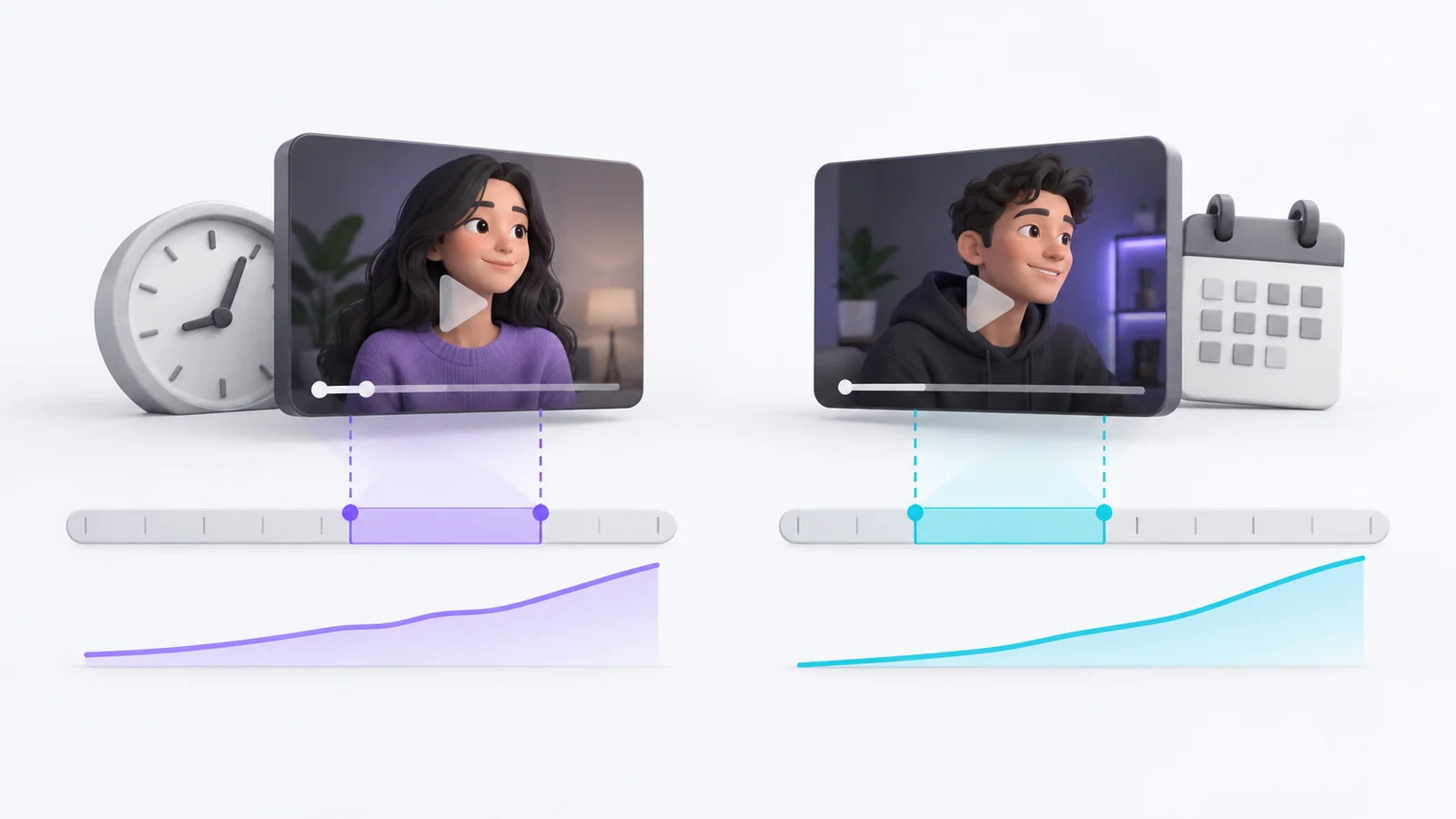
To compare trend velocity across videos of different ages, measure the views gained in equivalent time windows and record the capture times. Lifetime views divided by video age does not show current momentum, and age-normalized rates still cannot account for format, audience size, traffic source or watch time.
What is trend velocity?
Trend velocity describes how quickly an observable signal changes over a defined period. For public YouTube videos, creators often approximate it with views gained per hour or day. This is a derived metric, not a complete measure of demand or a guaranteed early-warning signal.
YouTube's Charts consider how quickly view counts grow among other factors, including topic and video age. That does not mean a third-party view-rate calculation reproduces YouTube's ranking system. Use it as a consistent comparison aid, not as the platform's internal score.
How to compare YouTube trend velocity fairly
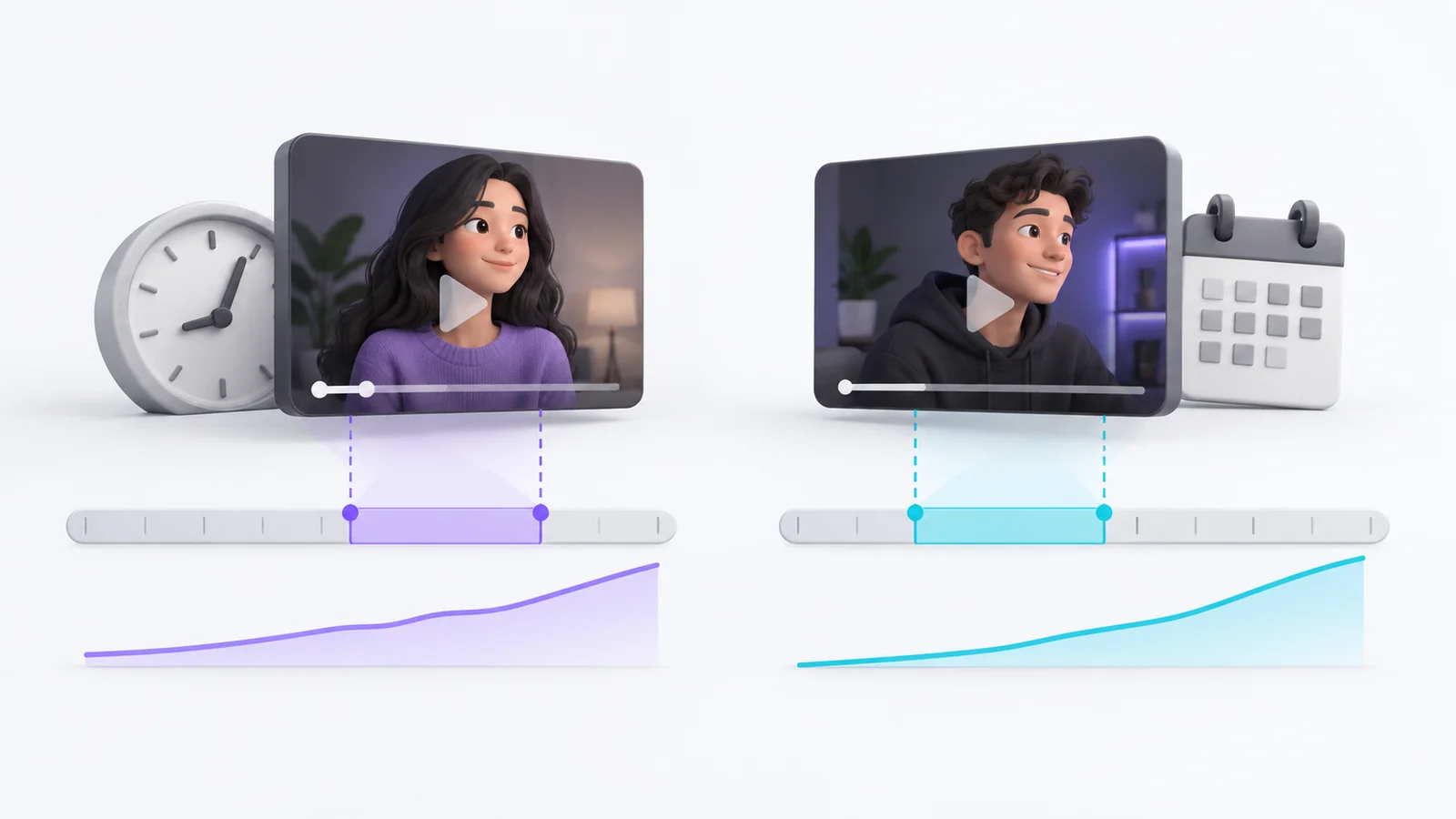
Choose the same elapsed point after publication, when timestamps and historical counts are available. For instance, compare each video's first 24 hours only if you have reliable counts at those times. If you do not have past snapshots, start collecting view counts now at fixed intervals and compare the next equal window. Calculate window velocity as the end count minus the start count, then divide that gain by the number of hours in the window to get views per hour.
For your own channel, YouTube Studio Advanced mode includes comparison controls and a special report for first-24-hour performance. Use that channel data when available. For videos you do not own, you usually cannot reconstruct historical counts from the public view total, so begin collecting matched snapshots now. A video published 30 days ago and one published yesterday should not be compared using their total views without noting the age difference. Even with equal windows, the result may reflect audience size, external sharing, seasonality or paid promotion rather than the topic alone.
| Keep consistent | Record alongside the rate |
|---|---|
| Window length | Publication date and count timestamps |
| Video format | Shorts, long-form, live or other |
| Topic category | Specific event or search context |
| Comparison group | Channel size or similar-channel cohort, if known |
| Collection method | Public counter, creator-provided analytics or tool estimate |
What can and cannot be concluded
A faster increase may show that more views accumulated in the observed window. It does not tell you the click-through rate, why people saw the video, whether they watched it, or whether the audience is comparable. Public counts are not enough to attribute growth to a title or thumbnail.
For your own channel, use Studio Analytics to inspect impressions, traffic sources and watch-time measures. For third-party videos, label the comparison as a public-view observation and avoid causal claims. The YouTube views-per-hour guide explains the calculation and its limitations.
Frequently asked questions
How do I compare video views fairly?
Use the same elapsed window, similar formats and relevant audience groups, and write down when the counts were captured. Explain what data is unavailable.
Can I compare a new upload with an older video?
You can compare matched windows, such as the first 24 hours, if you have reliable historical counts. Current lifetime views alone cannot recreate that comparison.
Does higher view velocity mean YouTube will recommend a video?
No. A view-rate estimate does not expose YouTube's full recommendation signals or predict future distribution.
Make the comparison reproducible
Choose the window before collecting counts, preserve the timestamps and include the limitations in your notes. If one video appears to be moving faster, use it to decide what to research next rather than assuming why it happened. When that research gives you a usable topic, Scriptio's free YouTube title generator can help phrase a specific, truthful video promise.
Sources: YouTube Advanced mode reports, YouTube Trending Charts, YouTube Analytics impressions and watch time, YouTube CTR and impressions FAQ
Write your next script in 60 seconds.
Scriptio writes a full Tanglish script in your exact voice, built from your own channel.
Explore the Tamil AI script writer or the Tanglish script generator for a more detailed walkthrough.
Start Free at Scriptio.in