Quick Summary
- Yes, you can edit a video's title after publishing in YouTube Studio.
- Change it when evidence points to a clarity, accuracy or audience-fit problem, not because of an arbitrary timer or one early CTR reading.
- Check impressions, traffic sources, CTR and viewing behavior together before deciding what to change.
- Make one deliberate edit, record what changed and when, and monitor comparable data afterward.
- Use YouTube's native A/B testing where eligible if you want to compare title options with its watch-time-based evaluation.
Yes, you can change a YouTube title after publishing. Open the video's details in YouTube Studio, update the title and save. Whether you should change it depends on the mismatch you are trying to fix: an unclear promise, inaccurate wording, or a title that no longer reflects the video. YouTube does not promise that an edit will increase views or rankings.

When should you edit a YouTube title after upload?
Consider an edit when the title is confusing to a new viewer, leaves out the central subject, promises something the video does not deliver, or uses a phrase that is inaccurate. Correct factual or policy-sensitive wording promptly. A title can also be clarified when analytics and viewer feedback show that people misunderstand the topic, but analytics alone rarely isolate the title as the cause.
Avoid changing a title simply because the first few hours look quiet. YouTube advises creators not to judge CTR too early and to consider the traffic source and audience. A decrease can happen while a video is being shown to more people. See the low-CTR diagnosis guide before deciding that the title needs replacing.
How to change a YouTube video title
In YouTube Studio, open Content, select the published video, edit its title in the video details, then save. Check the public watch page afterward to confirm the update appears correctly. Interface labels may change, so use the current Studio details workflow if the menu differs.
Before saving, check that the revised title still describes the video accurately, makes sense without your channel's context and fits the thumbnail. If the video is about a specific phone setting, do not replace that subject with a vague promise such as “This changed everything” unless the title and video together make the subject apparent. The first-video title guide includes a useful stranger-test: could an unfamiliar viewer explain what they will get?
How to judge the effect of a title change
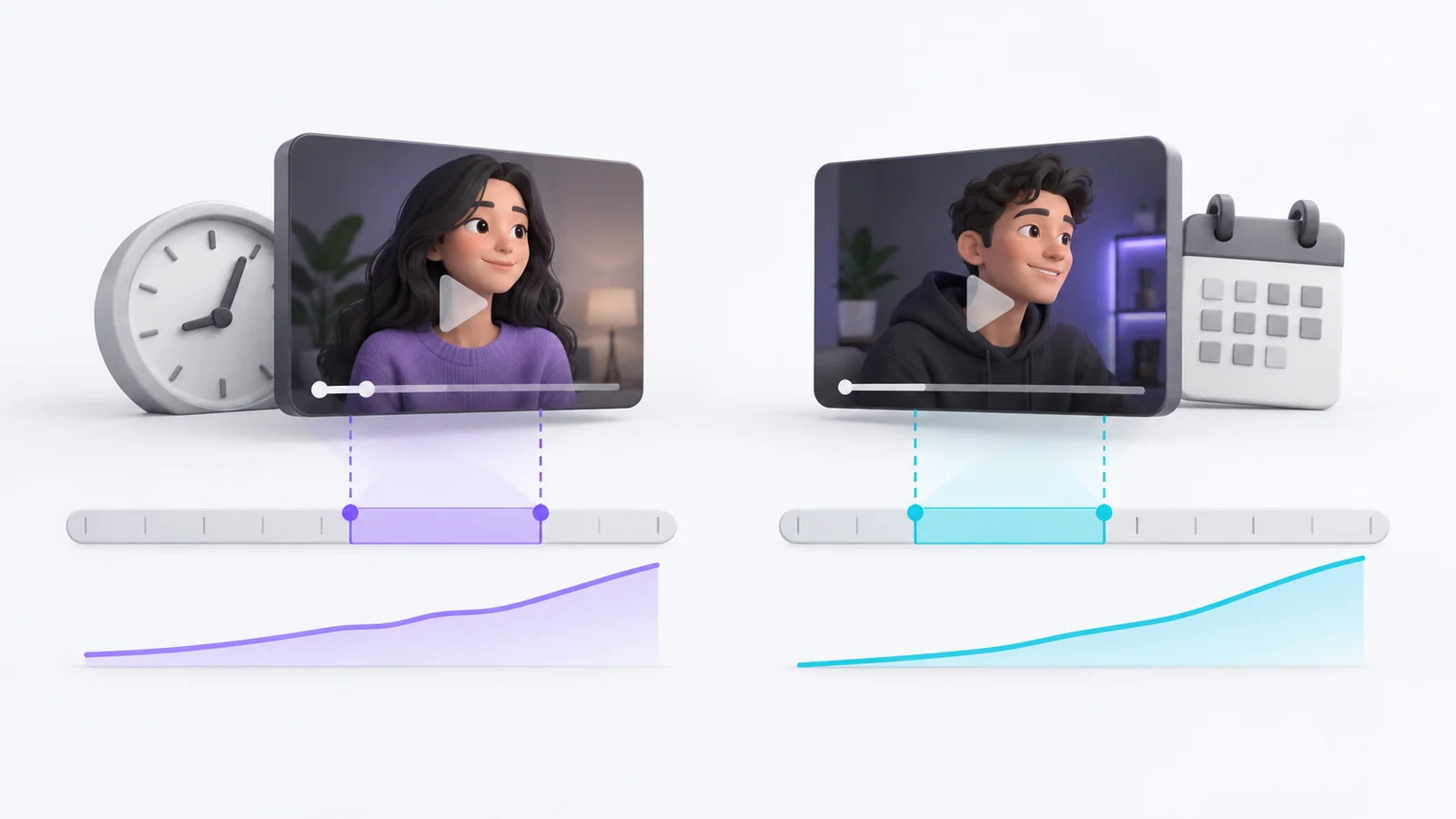
Record the old title, new title, edit time, video age, date range and the metrics you plan to review. Look at impressions, CTR, views and average view duration by traffic source. Compare a suitable period before and after, but call it an observation rather than proof: the audience, distribution, topic demand and time of day can change at the same time.
If your account offers the native YouTube title and thumbnail A/B test, use it for a more structured comparison. YouTube can test up to three title options, thumbnail options or combinations for eligible videos. The test may take a few days or up to two weeks, and the selected outcome is based on watch time. A running test stops if you manually change the title or thumbnail. Follow the step-by-step YouTube title-testing guide to choose title-only testing when that is the question you want to answer. This is preferable to repeatedly swapping copy and attributing every movement to one edit.
| Situation | Suggested action |
|---|---|
| Clear factual error or misleading promise | Correct it promptly |
| Topic is missing or difficult to understand | Draft a clearer, accurate alternative |
| One early CTR reading looks low | Check sample, impressions and source before acting |
| The package gets clicks but viewers leave quickly | Check promise, opening and delivery |
| You want to compare several versions | Use native testing if eligible; otherwise document the limits |
Will changing a YouTube title hurt views or ranking?
A title edit does not guarantee a boost or a penalty. YouTube says changing a title or thumbnail can be effective, but recommends not changing what is working. Its systems respond to how viewers react after publication, while Search also considers relevance to a query. Evaluate the content and audience response rather than treating the edit itself as a ranking trick.
Frequently asked questions
Can I change the title of my YouTube video after posting?
Yes. Edit the video's details in YouTube Studio and save the new title. Check the watch page afterward.
Does changing a YouTube title affect views?
It can change how viewers understand and respond to the package, but results are not guaranteed. Views also depend on impressions, audience, traffic source, topic and other factors. Use a test when possible and avoid overclaiming what a before-and-after comparison proves.
How often should I change a video title?
There is no universal schedule. Make a change when you have a specific accuracy or clarity reason, then give the new version time and data to be evaluated. Repeated edits without a clear question make the result harder to interpret.
Your next step
Save the current title and relevant analytics before editing. Then use the title and thumbnail strategy guide to make the new wording and image reinforce the same promise.
Sources: YouTube edit video settings, YouTube performance FAQ and troubleshooting, YouTube thumbnail and title tips, YouTube A/B testing titles and thumbnails
Write your next script in 60 seconds.
Scriptio writes a full Tanglish script in your exact voice, built from your own channel.
Explore the Tamil AI script writer or the Tanglish script generator for a more detailed walkthrough.
Start Free at Scriptio.in