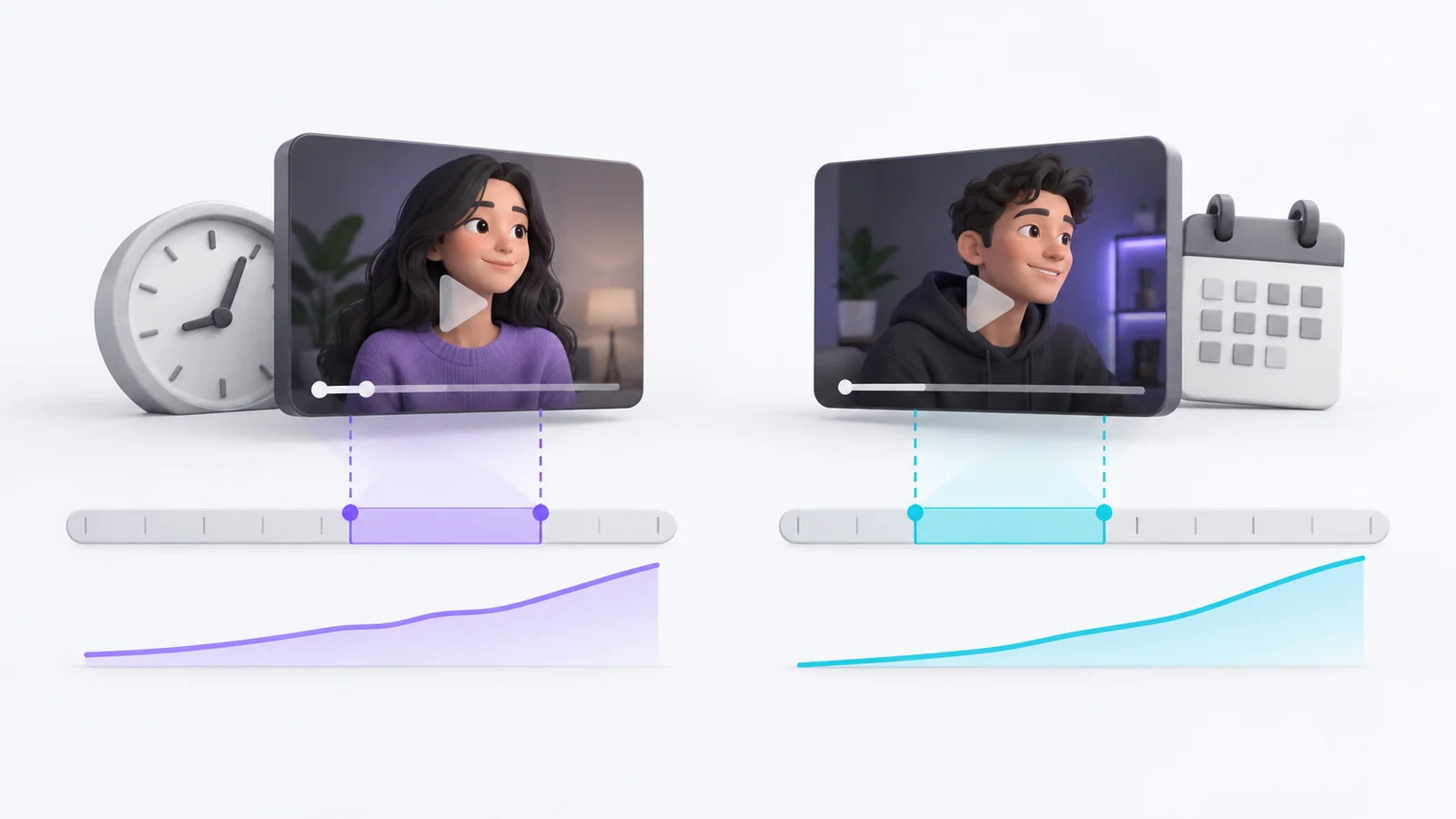
Quick Summary
- This tracker records the question, title options, dates, traffic context, observed metrics and decision for each title experiment.
- For YouTube's native test, record its reported outcome and test type; do not assume the interface exposes every metric for every variant.
- For manual before-and-after edits, keep the observation separate from a controlled A/B test because the audience and traffic can change.
- Copy the CSV header below into a spreadsheet, then use the field guide to avoid confusing impressions, CTR and watch time.
- Leave unavailable values blank or mark them “not reported.” Never convert missing analytics into zero.
This YouTube title test tracker helps you preserve what you changed and what YouTube Analytics reported. Copy the CSV header into a spreadsheet, add one row per test, and record whether the result came from YouTube's native experiment or a manual before-and-after comparison. The two methods should not be interpreted as equivalent.
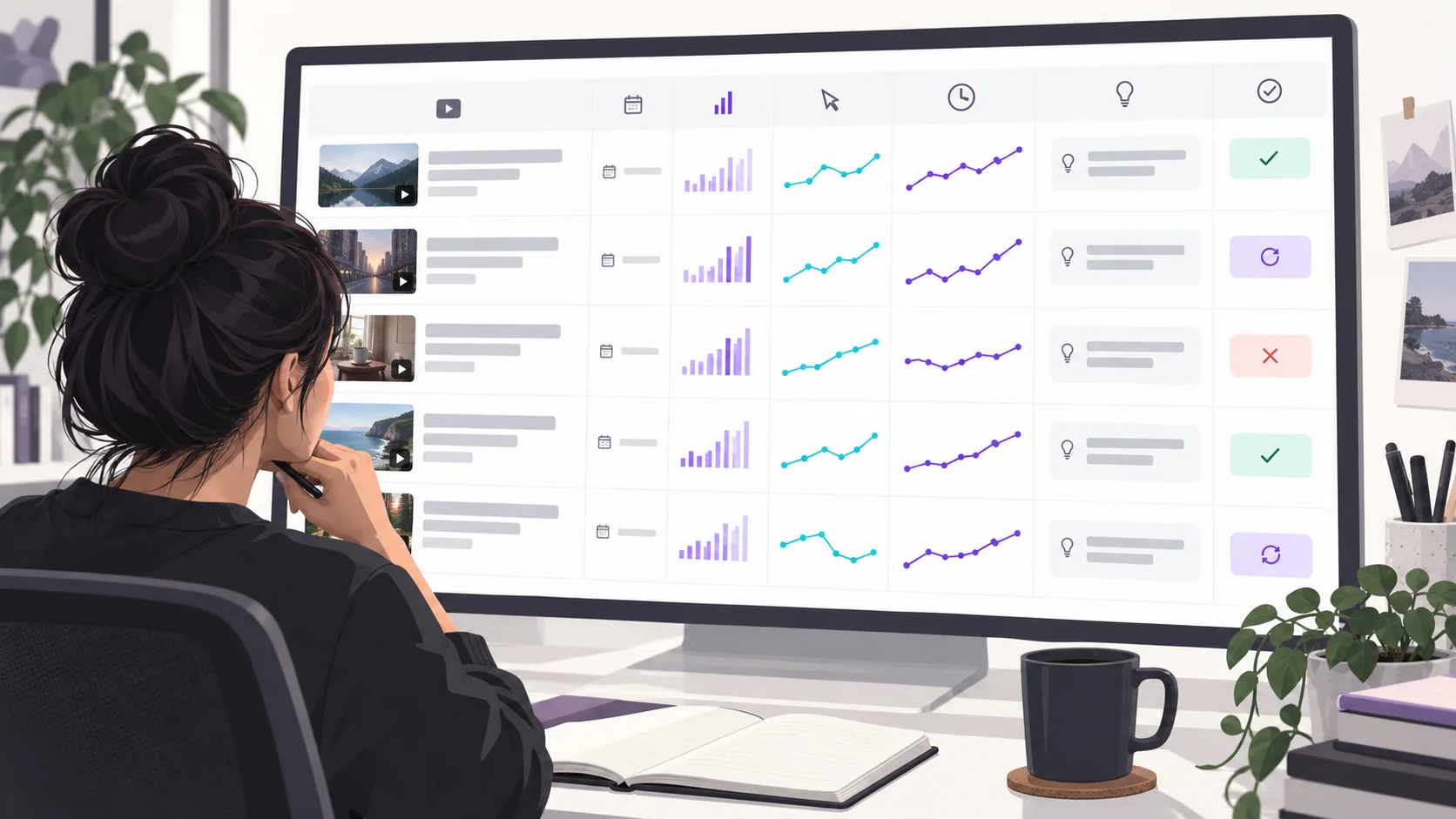
Copyable tracker header
Paste the following comma-separated header into a blank spreadsheet. Add a new row for each experiment or manual observation.
test_id,video_title,video_url,format,published_date,hypothesis,test_method,test_type,control_title,variant_a_title,variant_b_title,variant_c_title,thumbnail_changed,experiment_start,experiment_end,traffic_source,impressions_before,ctr_before,views_before,watch_time_before,average_view_duration_before,impressions_after,ctr_after,views_after,watch_time_after,average_view_duration_after,native_test_result,other_changes,decision,lesson,review_date
For a native A/B test, fill in the method, test type, options, start and end dates, and the result displayed in Studio. If YouTube does not show a value for an individual variant, leave that field blank or write “not reported.” Do not invent a per-title CTR or watch-time breakdown.
For a manual edit, enter the old and new titles, the edit date, the date ranges used, traffic source and metrics that Analytics actually makes available. Label the method “manual before/after.” This comparison describes what happened around the edit; it does not isolate the title as the cause.
Field guide: what to record and why
| Field | What to enter | Why it matters |
|---|---|---|
| Hypothesis | One expected audience response, such as clearer product naming | Makes the experiment answer a specific question |
| Test method and type | Native title-only, native combined package or manual before/after | Separates controlled platform tests from observations |
| Traffic source | Search, Browse, Suggested or another displayed source | CTR changes with audience and surface |
| Impressions | The count and date range shown in Analytics | Gives the CTR context |
| CTR | The displayed impressions CTR for the same date range | Indicates how often counted impressions led to a view |
| Watch time and average view duration | Only the values Studio reports for that content/range | Adds post-click context |
| Other changes | Thumbnail, description, promotion, edits or notable timing | Helps identify confounding factors |
| Decision and lesson | Keep, revise, test again, or no clear conclusion | Prevents a number from being mistaken for an action |
YouTube's native title and thumbnail tests use watch time to choose an outcome. YouTube also warns that CTR varies by audience and traffic source. Use the low-CTR diagnosis guide before deciding that a change is warranted, and the title-testing walkthrough for the native test workflow.
How to interpret the result
A “winner” is useful only for the tested video, options and audience. Save the result and consider whether the options were meaningfully different. If the test reports no clear winner, record that rather than forcing one. Use the finding to create a new hypothesis for a related video, not as a rule for every title on the channel.
For a manual comparison, do not write “the new title caused CTR to rise” unless a suitable experiment supports that causal conclusion. Use wording such as “CTR was higher during the later date range; impressions and traffic sources also changed.” That language preserves what the data shows and what it cannot establish.
Frequently asked questions
What metrics should a YouTube title tracker include?
Record the displayed impressions, CTR, views and watch-time measures for consistent dates, along with traffic source, title options, test type and other changes. The exact metrics available vary by report and experiment.
Does YouTube choose a title-test winner by CTR?
No. YouTube's native A/B title and thumbnail test selects based on watch time. CTR remains useful context, but it is not the native winner criterion.
Copy and use the tracker
Copy the CSV header above into a spreadsheet and leave unreported fields empty. Before every test, write one hypothesis and record the title options exactly as shown in Studio.
Sources: YouTube A/B testing titles and thumbnails, YouTube impressions and CTR FAQs, YouTube Analytics impressions and watch time
Write your next script in 60 seconds.
Scriptio writes a full Tanglish script in your exact voice, built from your own channel.
Explore the Tamil AI script writer or the Tanglish script generator for a more detailed walkthrough.
Start Free at Scriptio.in